Connect your bank accounts to AI and get real answers about your money.
 Hermes
 OpenClaw
 Excel
Excel
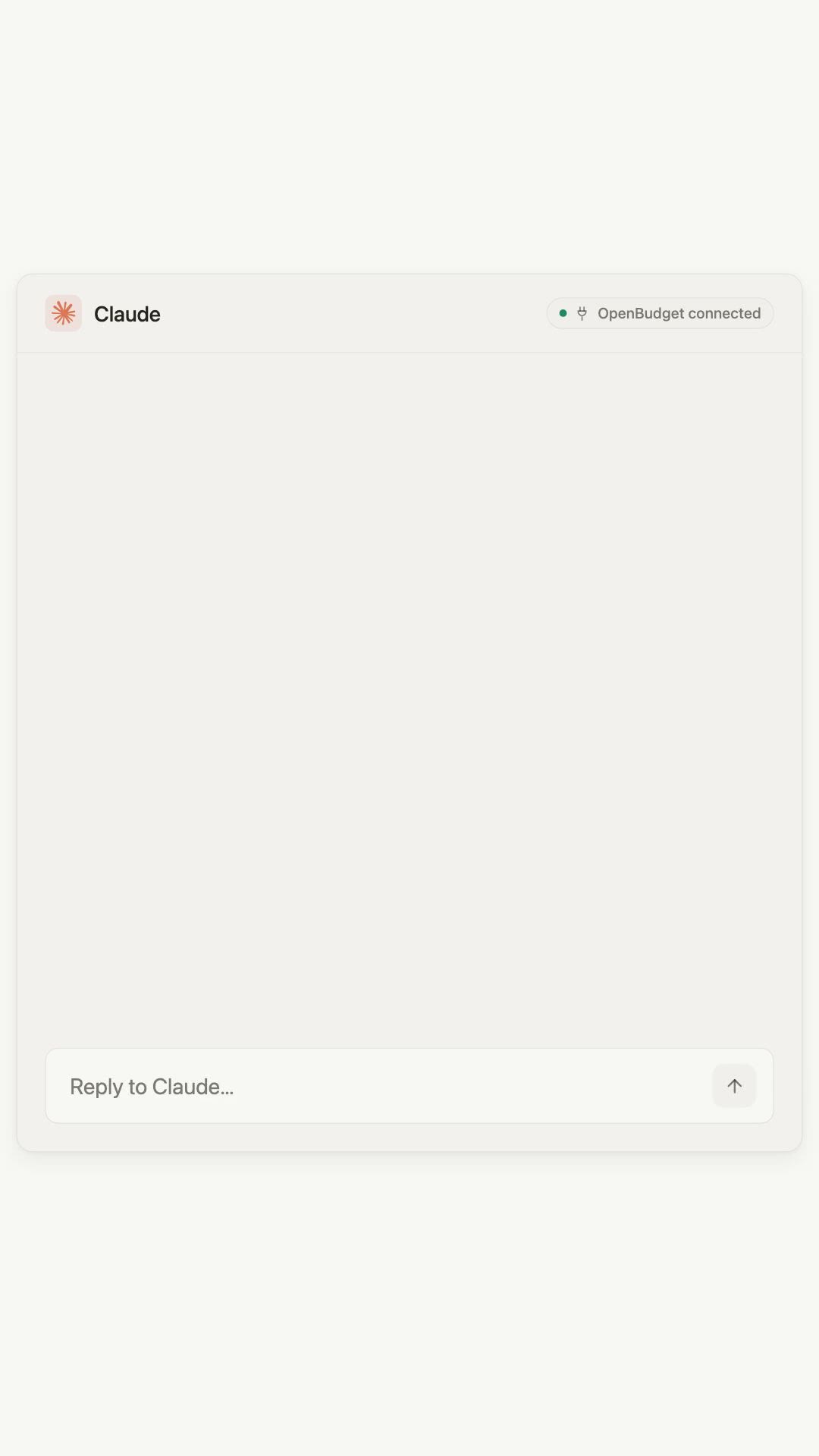

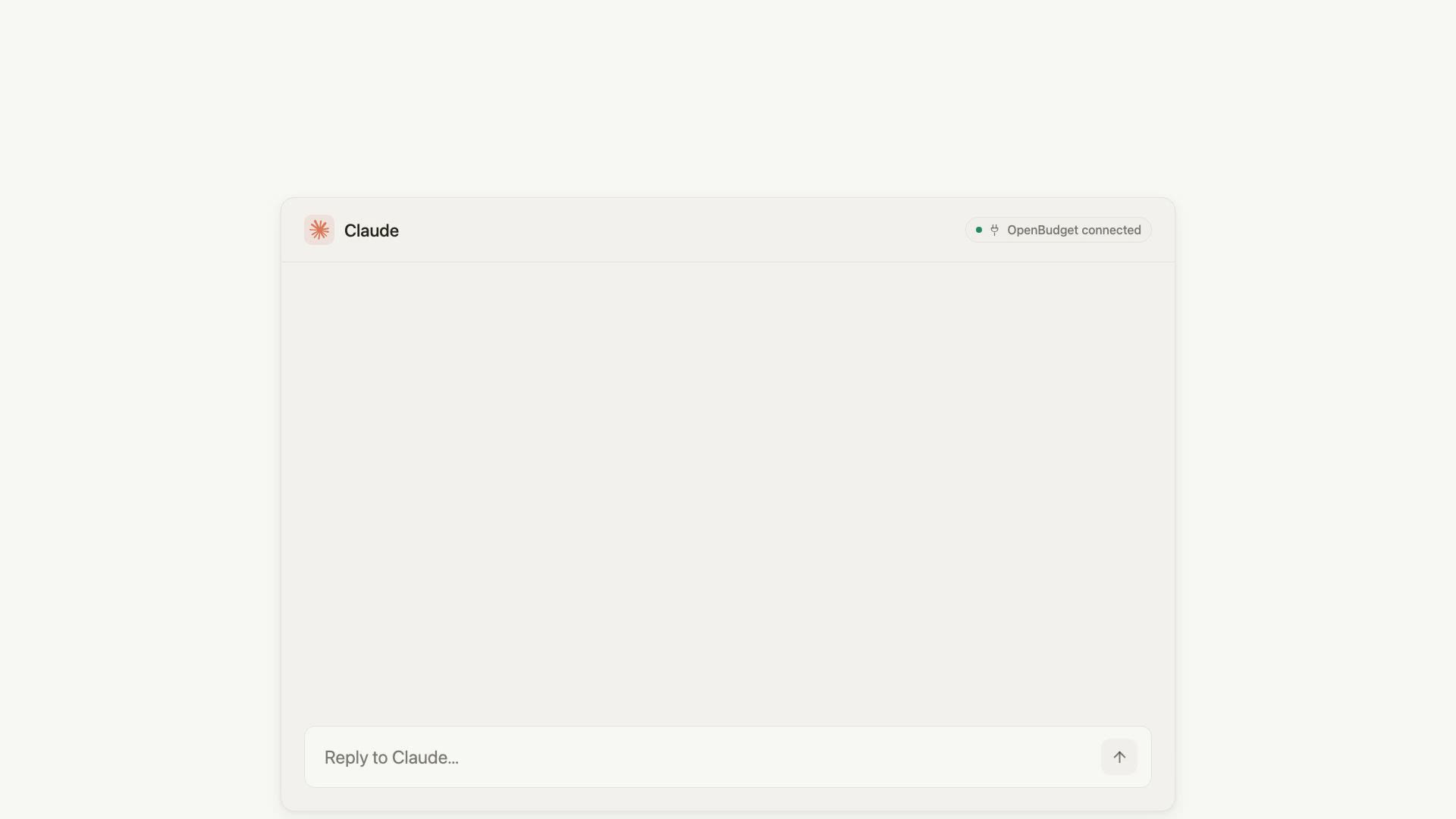
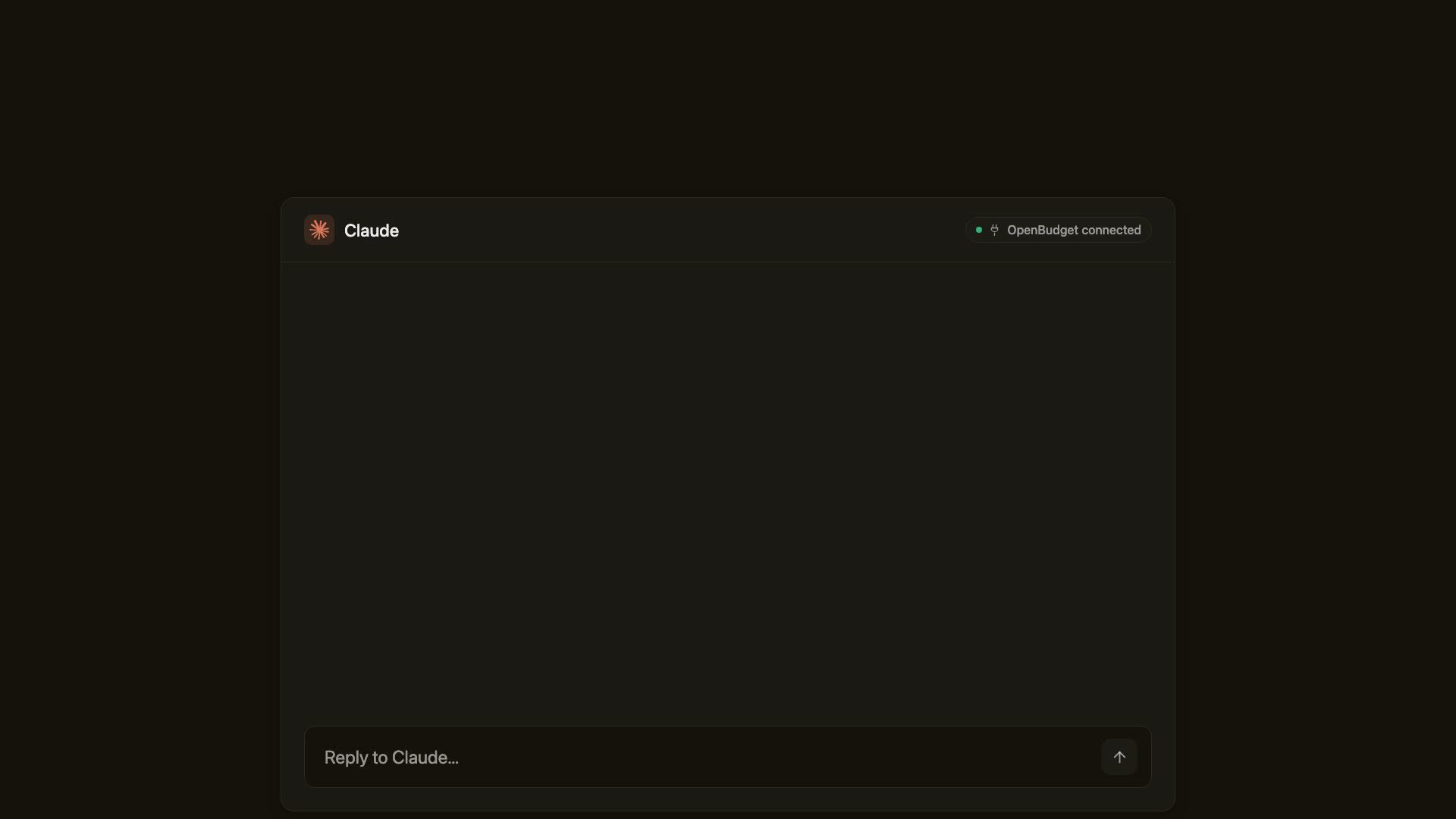
Ask your money anything.
Connect Claude or ChatGPT through the OpenBudget connector, then ask about your spending, budgets, and trends in your own words.

Sync to Google Sheets and Excel.
Your transactions land in the spreadsheet you already use, updated automatically. No CSV exports, no copy-paste.

 Budget 2026Transactions
See everything you own in one place.
Ask about stocks, retirement accounts, real estate, dividends, and trades, or add assets such as a rental property.

Your AI gets powerful budgeting tools, not just transactions.
Automatic categorization rules. Set a category once, and your AI remembers it.
Split charges by item. Your AI splits mixed purchases into the right budget categories.
Track cards and loans. See balances, APRs, due dates, and payoff options.
Bank-grade security. Your bank credentials stay with Plaid, and OpenBudget cannot move money.
Make it a scheduled check-in.
ChatGPT and Claude can run recurring tasks. Use OpenBudget as the live data source for morning spending summaries, weekly bill checks, and monthly cleanup reviews.
View automation prompts“Every morning at 8am, summarize yesterday's spending.”
“Every Friday, check bills due in the next 7 days.”
“Mid-month, tell me which categories are running hot.”
“On the first Monday, review miscategorized transactions.”
From the blog
Export American Express Transactions to Sheets or Excel
Export American Express transactions to Google Sheets or Excel with current CSV steps, file checks, and an automatic OpenBudget alternative.
Does Monarch Money Work with Claude? The Real Answer
Monarch Money has no official MCP server. Here's what the unofficial options actually require, and how to connect your finances to Claude safely.
OpenBudget vs Era: Which AI Money Assistant Should You Use?
OpenBudget and Era both connect your finances to Claude. Here's how they actually differ on price, access, and which AI clients they support.